Header Background
World of mars3142
2 min read

Godot and Firebase - Part 2

Login with Username/Password

Godot and Firebase - Part 2

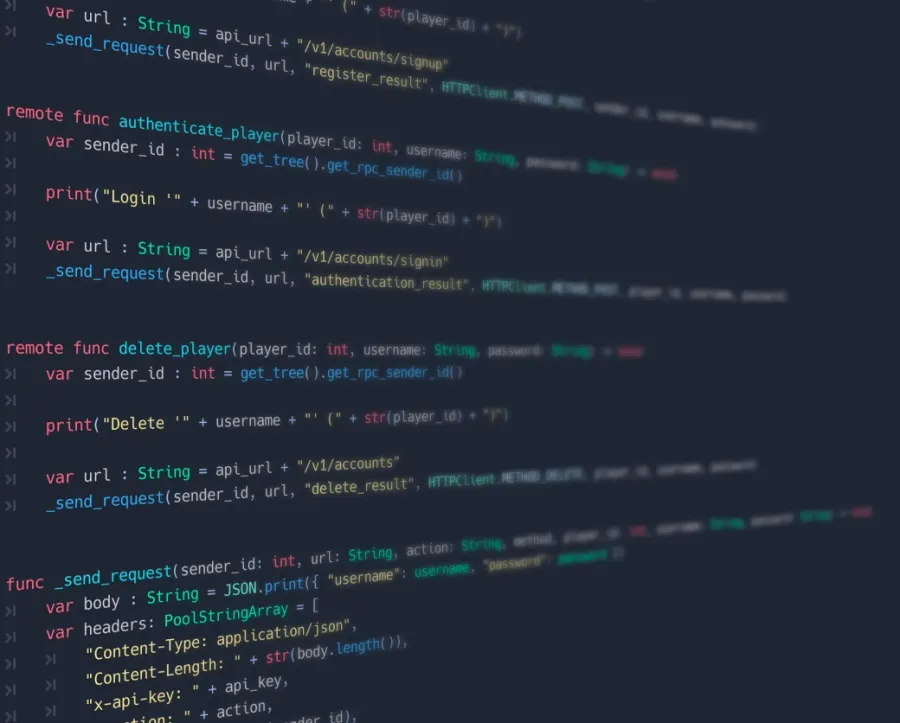
The first part of this tutorial was about the backend setup and this part will handle how to use the Godot Engine to combine the custom backend and Firebase to create a login with username and password. I highly recommend a layered architecture (like Game Development Center's playlist for Dedicated Multiplayer), but within my sample I use only a single Godot project with the minimum code to use Firebase with Godot.

5 min read

Godot and Firebase

Login with Username/Password

Godot and Firebase

Multiplayer games need some form of user authentication. To build a custom backend is a hard part, but to create secure user authentication is another story. For saving the user/game state you can use different approaches. In my case I wanted to use Firebase, but the primary authentication for Firebase is via email and password. This will be a two part tutorial for using Godot with Firebase with username and password. I found many bad solutions for that, which I would never recommend for that purpose. Most of time I read "add a fake domain, so you create an email address". But the worst advice was, read credentials from Realtime Database with the json options within the game client. This is only possible, if you allow everybody to read the complete user collection. DON'T ALLOW THAT.

© MMXXVI mars3142