mars3142 Blog

wxWherigo

Desktop Wherigo Player with wxWidgets

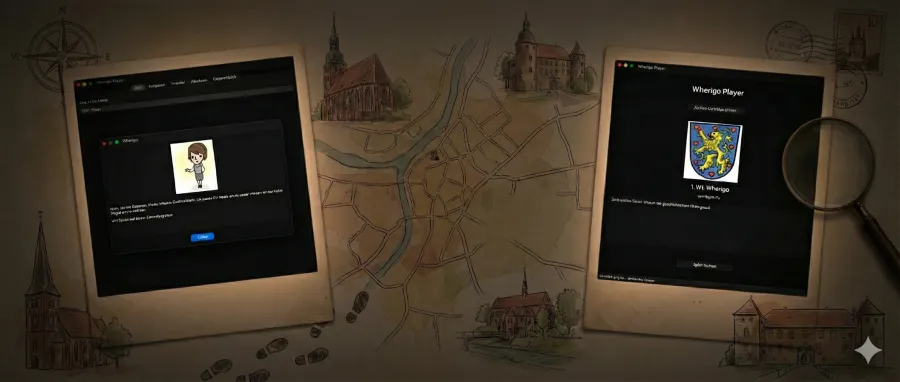
The Idea I have been a Geocacher for a long time, and it has always been my wish to complete electronic caches alongside the classic ones. For years, there have been so-called Wherigo Caches. As you can tell from the website, these types of caches aren’t really maintained anymore. This is also evident in the technology used. They are scripts built internally using the programming language LUA in version 5.1.4. Backstory In the past, these caches were executed natively on Garmin GPS devices. I owned a Magellan GPS (Windows CE). Even back then, I had the desire to get it running on my GPS. Today, there is a native smartphone app from Groundspeak, but that lacks the challenge of familiarizing oneself with the technology.

Level Up Your Knowledge

Dive Into My New Project Wiki!

For years, I’ve been immersed in creating various projects, and a thought has been brewing for a while: how can I best share the technical journeys and a-ha! moments behind them? Well, last month, I finally brought that idea to life! I’m thrilled to announce the launch of my brand-new project wiki – a dedicated space where I’m documenting the technical ins and outs of the creations I’ve developed over the years. Think of it as a peek behind the curtain, a place where I get to “show off” a little of the problem-solving and engineering that went into each one.

Godot and Firebase - Part 2

Login with Username/Password

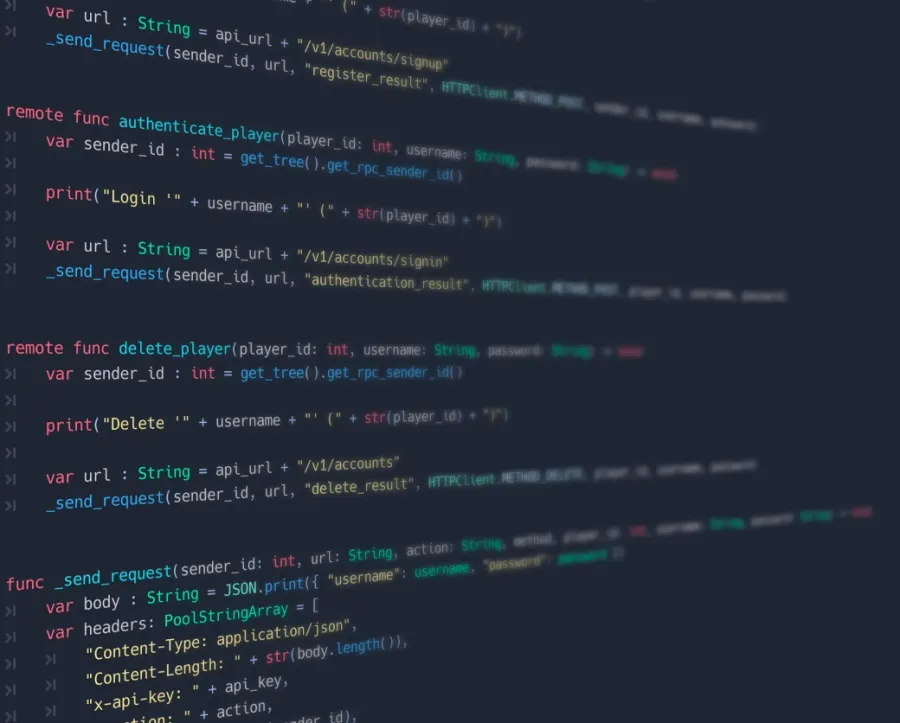
The first part of this tutorial was about the backend setup and this part will handle how to use the Godot Engine to combine the custom backend and Firebase to create a login with username and password. I highly recommend a layered architecture (like Game Development Center’s playlist for Dedicated Multiplayer), but within my sample I use only a single Godot project with the minimum code to use Firebase with Godot.

Godot and Firebase

Login with Username/Password

Multiplayer games need some form of user authentication. To build a custom backend is a hard part, but to create secure user authentication is another story. For saving the user/game state you can use different approaches. In my case I wanted to use Firebase, but the primary authentication for Firebase is via email and password. This will be a two part tutorial for using Godot with Firebase with username and password.